
Controls & combat basics
Find an input, understand its timing, and practise the defensive moves used in quests, exams and boss fights.
On the listed PC controls, M1 attacks, R uses a critical, F blocks or parries, and Q rolls. Holding F blocks; pressing it just before impact attempts a parry. Check your settings if an input behaves differently.
PC controls quick reference
Listed keyboard defaults from the community Controls and Combat Mechanics pages. Bindings and movement settings can change the action; controller mappings are not inferred from PC keys.
Showing all 19 records
| Action | Listed input | What to check |
|---|---|---|
| Basic attack | LMB / M1 | Weapon-dependent basic attack sequence. |
| Critical attack | R | Use the equipped weapon’s critical attack. |
| Block | Hold F | Hold a guard; watch posture as blocked hits accumulate. |
| Parry | F just before impact | Timed defence using the block key; no universal timing window is established. |
| Roll / dodge | Q + direction | Reposition in your movement direction. |
| Roll cancel | M2 during a roll | Cancel the movement early; check cooldowns and trait conditions separately. |
| Sprint | Double-tap movement key | Listed default; sprint/Auto Run settings may change behaviour. |
| Crouch | CTRL | Crouch while stationary or walking. |
| Slide | Running + CTRL | Start running before using the slide input. |
| Climb | Space twice near a wall | Listed wall-climb input. |
| Running attack | Running + M1 | Attack from a run. |
| Aerial attack | Jump + M1 | Airborne attack; check Shift Lock where required by the current setup. |
| Downslam critical | Jump + M2 | The combat reference requires Shift Lock. |
| Uppercut | CTRL + M1 | Listed uppercut input. |
| Misdirect | M1 then M2 during the attack | Feint or modify the attack; the input does not guarantee a follow-up. |
| Menu | Tab | Inspect stats, abilities and settings. |
| Quest Journal | J | Track the actual objective and hand-in. |
| Cinematic mode | P | Listed cinematic-mode shortcut. |
| Emotes | N | Listed emote shortcut. |
No matching records. Clear the search or choose another category.
Community-listed data · Source review: October 26, 2026 · View the reference ↗
Read the interface and combat examples
Use these community images to recognise the subject. Open an image for a larger view.
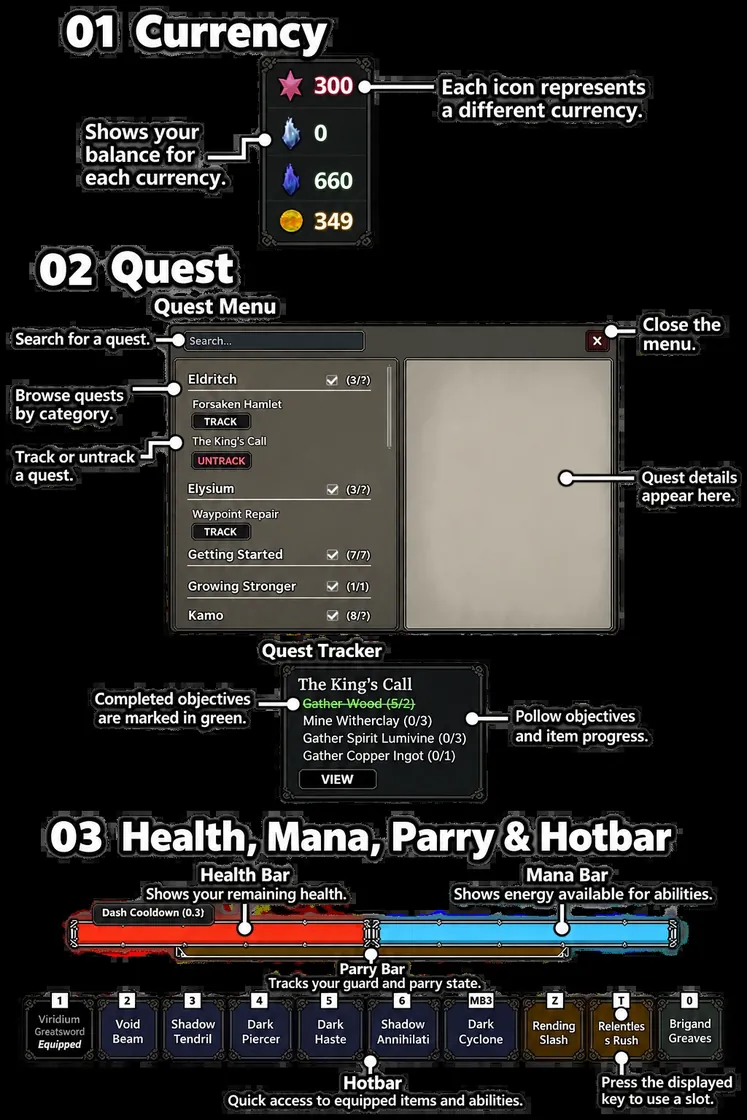
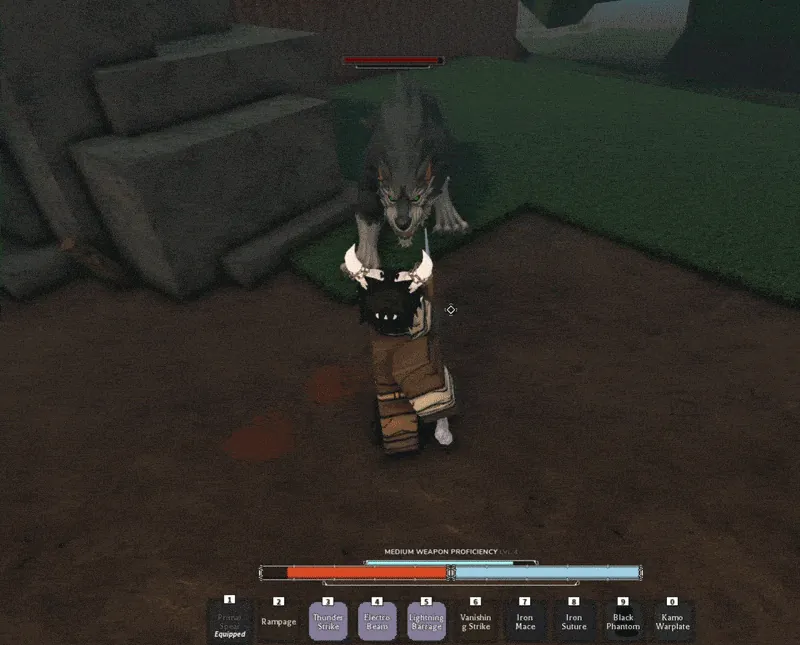
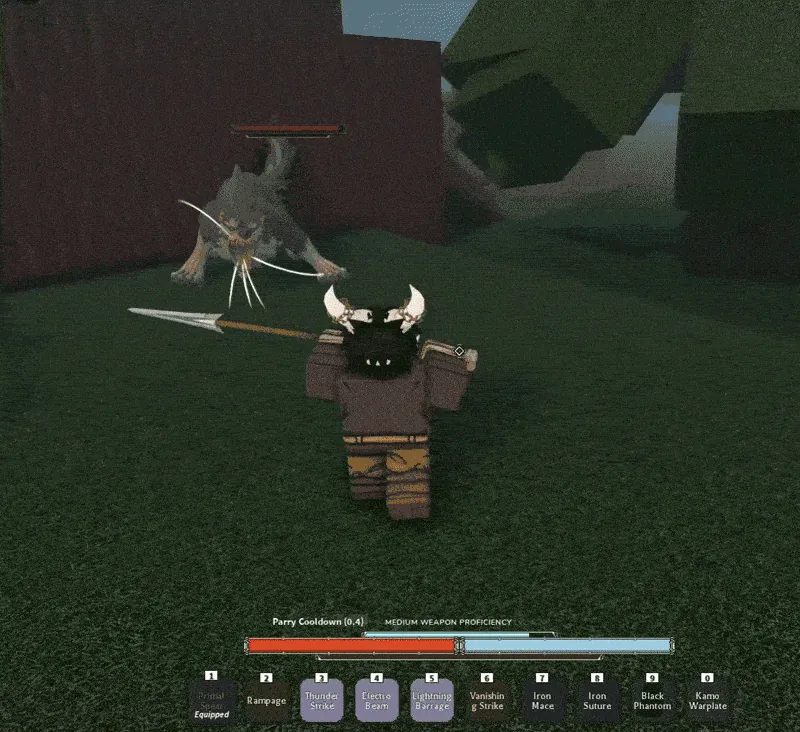
Block, parry and guard break
Blocking is the held defensive action. The community combat reference describes incoming blocked attacks building your posture; high posture can leave you guardbroken and stunned. Watch that meter instead of treating a held block as permanent protection.
Parrying uses the same listed F input with different timing: press it just before an attack connects. Learn one enemy’s windup first, then practise against a quicker sequence. There is no verified universal millisecond window in the reviewed material.
For Bael, the walkthrough uses parries to help create a posture-break opening. The Magic Knight Exam demonstrates a trial whose attack speed increases. Both reward reacting to the attack rather than repeating one fixed rhythm.
Movement before complicated combos
Use a directional roll to leave an attack’s path or regain space. The combat reference lists M2 during a roll as an early cancel. A cancel changes the movement; it does not prove that another dodge is available immediately. Read any trait that changes that behaviour separately.
The listed default sprint input is a double-tap of a movement key. Sprint settings and Auto Run can alter the input or attack you get. Crouching uses Control, while a slide requires running before Control.
The Air Dash walkthrough covers a separate movement unlock. A movement option being listed in a guide does not mean a fresh character already has it.
Misdirect and aerial attacks
The sources describe M1 followed by M2 during the attack as Misdirect, a feint or modified attack. Practise when the cancel happens before building around a trait that triggers from it. The input alone does not guarantee a hit, guard break or follow-up.
The Combat Mechanics reference explicitly requires Shift Lock for the jumping M2 downslam. The two written control pages describe the aerial M1 requirement differently. When practising either move, check Shift Lock and the current input prompt rather than assuming that every jumping attack uses the same condition.
Your basic sequence and critical also depend on the equipped weapon. Changing a keybind does not purchase a weapon skill; proficiency and skill unlocks are separate steps.
Controller and custom bindings
The FAQ lists gamepad support. Use the game’s settings to inspect the current controller mapping instead of translating every PC key into a guessed button.
The reviewed controller video visits settings at 0:27. Its creator later reports a fix and demonstrates R3 Shift Lock at 2:41. The earlier complaint in that recording should not be read as a current universal controller fault.
If the expected action does not happen
- Check your current bindings and sprint setting.
- For weapon attacks, equip the intended weapon and confirm that the skill is learned.
- For running moves, establish a run first; for downslam, check Shift Lock.
- For a parry, practise the impact timing rather than holding block throughout the windup.
- If a move depends on a trait or unlock, check its requirements and purchase state in the relevant menu.
Use J for the listed Journal shortcut and Tab for the menu. Tracking the actual quest is often the quickest way to distinguish a missing unlock from an input problem.
Video notes & demonstrations
Recent walkthroughs and demonstrations used on this page. Each clip links to the relevant moment; creator reports and opinions are distinguished from measurements by this wiki.
The NEW CLOVER RPG console CONTROLLER Experience *Beginner Guide* #roblox #cloverrpg
Dated controller walkthrough · narration reviewedSettings and rebinding are shown; the creator later reports a Shift Lock fix. The earlier complaint is not treated as a current universal fault.
Sources & review notes
References reviewed October 26, 2026. Community information can change with game updates. These notes are source-based and have not been verified through our own gameplay.
- Controls Community-listed keyboard inputs; settings and platform mappings may differ.
- Combat Mechanics Block, parry, posture and advanced input descriptions; no measured timing windows.
- FAQ Community FAQ for the code system, rerolls, and progression. Some entries may be outdated.
- Changelog Community update list used to flag changed fights and requirements, not treated as a dated developer patch announcement.
- LiftedTIO · The NEW CLOVER RPG console CONTROLLER Experience *Beginner Guide* #roblox #cloverrpg Settings and rebinding are shown; the creator later reports a Shift Lock fix. The earlier complaint is not treated as a current universal fault.